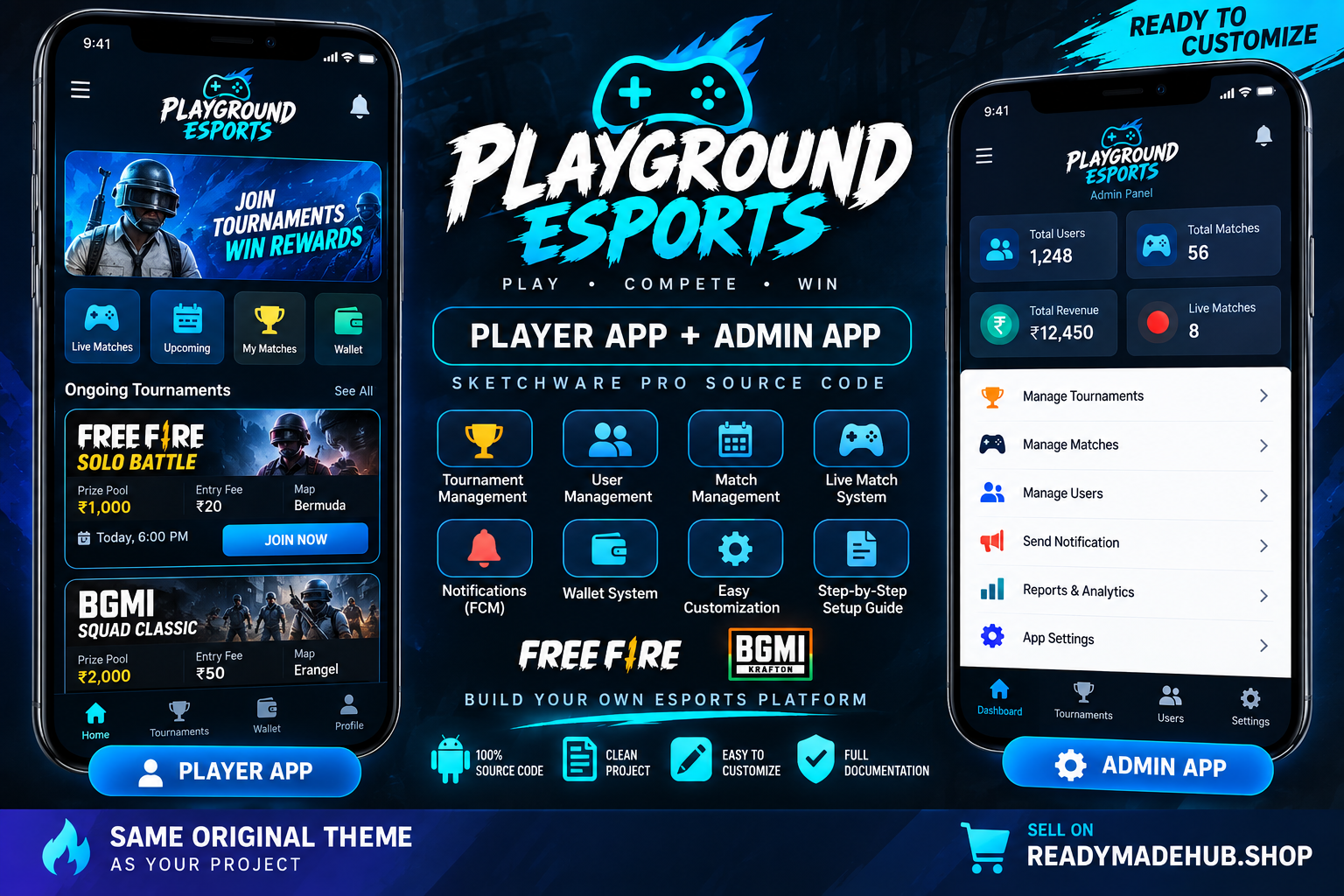
Playground Esports – Player App + Admin Panel
What You Get ? Player/User Android App .swb Source Code ? Admin Android App .swb Source Code ? Firebase Setup Guide ? Step-by-Step Installation Guide ? Authentication Setup Guide ? Database Configuration Guide ? Firebase Cloud Messaging (FCM) Setup Guidance ? App Branding & Customization Guide ? Package Name Customization Guide ? Clean Source Package ? Security Configuration Instructions ? Player App Features User Registration & Login User Profile Tournament/Match Listing Match Joining System Match Information Notifications Firebase Integration Modern Esports Interface Customizable App Name & Branding Customizable Package Name ?? Admin App Features Separate Admin Application Tournament Management Match Management User/Data Management Notification System Firebase-Based Management Customizable Admin Interface Customizable Branding ? Firebase Integration The project is designed to work with Firebase services. You can configure your own: Firebase Authentication Firestore / Realtime Database Firebase Storage Firebase Cloud Messaging (FCM) Important: Buyers must configure their own Firebase project and credentials. ? Setup Guide Step 1 — Download Download the complete ZIP package from your ReadymadeHub order. Step 2 — Import Player App Open Sketchware Pro and import: 01_Player_App_Playground_v1.1_SELL_READY.swb Step 3 — Import Admin App Import the Admin project separately: 02_Admin_App_Playground_v1.0_SELL_READY.swb Step 4 — Create Firebase Project Create your own Firebase project and configure the required services. Step 5 — Connect Firebase Configure the Player and Admin applications with your own Firebase settings. Step 6 — Configure Services Set up the Firebase services required by your customized application, including Authentication, Database, Storage and FCM. Step 7 — Customize the App Change: App Name Logo App Icon Colors Package Name Branding Other project information Step 8 — Build Player App Build the Player application and test all major features. Step 9 — Build Admin App Build the Admin application and verify the Admin functionality. Step 10 — Final Release After successful testing, generate your final APK/AAB and publish your application. ? Security For security reasons, seller Firebase Admin service-account credentials are not included in the distributed package. If your customized application requires Firebase Admin SDK or other privileged operations, they should be handled through a secure backend/server. Never place a Firebase Admin service-account private key inside an Android application. ? Package Contents 01_Player_App_Playground_v1.1_SELL_READY.swb 02_Admin_App_Playground_v1.0_SELL_READY.swb README.txt SETUP_GUIDE.txt ? Requirements Android Device Sketchware Pro Firebase Account Internet Connection Basic Sketchware Pro Knowledge ? Perfect For Esports Tournament Platforms Free Fire Tournament Apps BGMI Tournament Apps Gaming Communities Esports Startups Tournament Organizers Freelance Developers Android App Developers ?? Important Notice This is a Sketchware Pro source-code/project package. It is not a hosted application or a pre-configured APK. Firebase configuration, branding, package-name changes and other customization may be required before publishing. Compatibility and build results may vary depending on the Sketchware Pro version and Android development environment being used. ? Start Building Your Own Esports Platform Get the complete Player App + Admin App source package and customize it for your own esports tournament business. Download • Customize • Configure Firebase • Build • Launch